We Use CookiesWe use cookies to enhance the security, performance,
functionality and for analytical and promotional activities. By continuing to browse this site you
are agreeing to our privacy policy
10 Best Ethernet Cable For Gaming
From leading brands and best sellers available on the web.By clicking on a link to a third party's website, log data is shared with that third party.
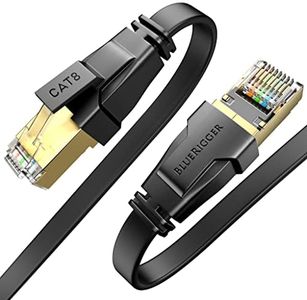

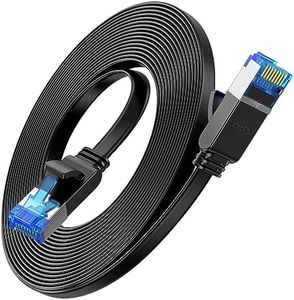
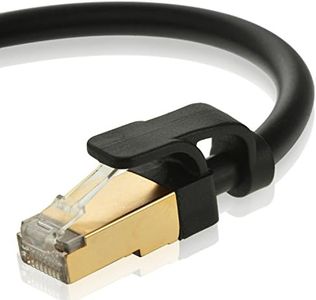
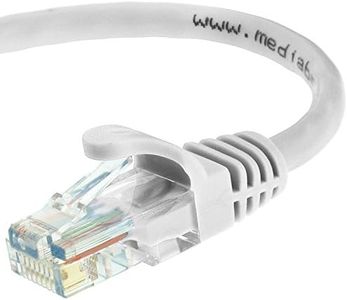
Related Products

Recommended lists


Buying Guide for the Best Ethernet Cable For Gaming
Choosing the right Ethernet cable for gaming can make a noticeable difference in your online experience. A good cable ensures a stable, fast, and reliable connection, which is crucial for minimizing lag and maintaining smooth gameplay. When picking an Ethernet cable, it's important to understand the key specifications that affect performance, so you can match the cable to your gaming needs and setup.Cable Category (Cat)The cable category, often shown as Cat5e, Cat6, Cat6a, Cat7, or Cat8, tells you the cable's speed and bandwidth capabilities. Higher categories support faster speeds and more data at once. For gaming, Cat5e is usually the minimum, supporting up to 1 Gbps, while Cat6 and above can handle higher speeds and are better for future-proofing. If you have a high-speed internet plan or want to reduce lag as much as possible, Cat6 or Cat6a is a safe choice. Think about your current and future internet speeds, as well as the distance between your devices, when choosing the right category.
Cable LengthCable length is simply how long the Ethernet cable is, and it matters because longer cables can sometimes lead to signal loss or slower speeds, especially with lower category cables. Shorter cables (up to 10 meters) are ideal for most home setups and keep the signal strong. If you need to run a cable across a large room or between floors, make sure to choose a higher category cable to maintain performance. Always measure the distance you need before buying, and avoid using a cable that's much longer than necessary.
ShieldingShielding refers to extra layers in the cable that protect against electrical interference from other devices or cables. Shielded cables (often labeled as STP or FTP) are useful if your gaming setup is near lots of electronics or in an area with potential interference. Unshielded cables (UTP) are fine for most home environments with minimal interference. If you notice connection drops or lag and your cable runs near power lines or other electronics, consider a shielded cable.
Connector TypeMost Ethernet cables use RJ45 connectors, which are standard for gaming consoles, PCs, and routers. However, some higher-end cables or specialized setups might use different connectors. Always check that the cable ends match the ports on your devices. For most gamers, standard RJ45 connectors are all you need.
Cable Thickness and FlexibilityCable thickness, often measured as AWG (American Wire Gauge), affects how flexible and durable the cable is. Thicker cables (lower AWG number) are more durable but less flexible, while thinner cables are easier to route around corners or under carpets. If you need to hide the cable or run it through tight spaces, look for a thinner, more flexible cable. For stationary setups where the cable won’t move much, thickness is less of a concern.